top of page

Upcoming Courses

County Tipperary Chamber Skillnet - Masthead_CMYK - Full Colour - High-res.jpg

County Tipperary Chamber Skillnet continues to evolve our online training offerings and our funded training supports to companies within Tipperary and the South East and Mid West Regions via funding from Skillnet Ireland and the European Union.

​

We specialise in facilitating comprehensive training across a broad spectrum of skills to meet the evolving needs of individuals and organisations. Our offerings include management, leadership, personal and professional development, alongside a wide range of specialised and sector‑specific courses. We deliver funded and co‑funded QQI‑accredited programmes, seminars and workshops that support lifelong learning and career progression.

​

Please Note: Skillnet subsidies are available to all private or commercial semi-state companies based in the Republic of Ireland.
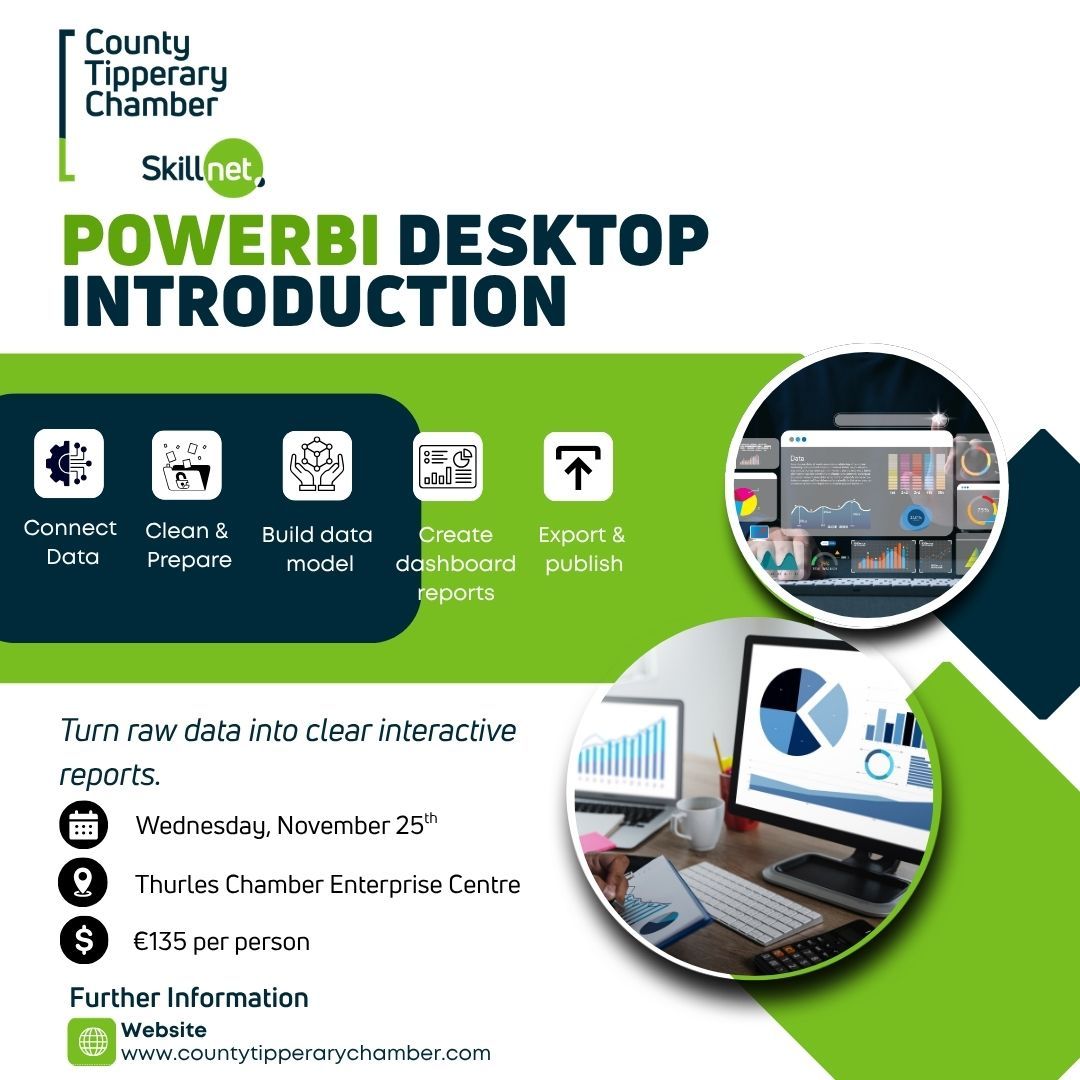
PowerBI Desktop Introduction

€140.00
First name
Enter your text
Surname
Enter your text
Contact number
Enter your text
Work Email
Enter your text
Gender
Please choose
What is your age range?
Please choose
County of Residence
Enter your text
Please select your highest attainment level on the National Framework of Qualifications (NFQ)
Please choose
Company Name
Enter your text
Company Address
Enter your text
What is your Employment Category?
Please choose
Number of Employees
Enter your text
Places : 7 available
1
Share this product with your friends
PowerBI Desktop Introduction
Product Details

* All fields are mandatory.

* Please fill in trainee information only

* For multiple booking please email admin@countytipperarychamber.com

(Our training programs / events are open to all private or commercial semi-state companies based in the Republic of Ireland.)

PowerBI Desktop Introduction

DATE: Wednesday, November 25th

Time: 9am - 4:30pm

Venue: Thurles Chamber Enterprise Centre

Cost: €140

Turn your raw data into clear, interactive insights with Power BI Desktop. Discover how to transform raw data into meaningful insights using Power BI Desktop. This course introduces the fundamentals of Microsoft Power BI, focusing on how to collect, clean, and visualise data effectively. Learners will gain the skills to create interactive dashboards and visual reports that support informed business decisions. This is an essential starting point for anyone looking to expand from Excel into modern data analytics.
Key Learning Outcomes
At the end of this training, you should know how to:
• Navigate Power BI Desktop confidently
• Connect to and transform data from multiple sources
• Build a simple data model and create relationships
• Design clear, interactive visual reports
• Add slicers and filters to enhance report interactivity

• Export or publish reports using the Power BI Service (free tier)

Who Should Attend?
This course is ideal for:
• Business professionals with little or no Power BI experience
• Excel users looking to expand into data analytics
• Analysts or managers who generate or interpret reports

• Anyone interested in building interactive dashboards and visual reports

Required Knowledge:
• Basic computer literacy (keyboard, mouse, file handling)

• Familiarity with Excel data handling (tables, formulas, charts) is helpful but not required

What You Will Learn
Getting Started with Power BI
• Introduction to Power BI and its components

• Understanding the Power BI workflow and environment

Connecting and Preparing Data
• Connecting to common data sources: TXT, Excel, CSV, PDF, Web
• Power Query Editor basics: cleansing and transforming data

• Creating a simple data model and building relationships

Designing Visual Reports
• Designing visual reports using bar, line, donut, pie, table, card, and KPI visuals
• Choosing appropriate visuals for different data types

• Adding interactivity using slicers and filters

Sharing and Exporting
• Exporting reports to PDF or PowerPoint

• Publishing to the Power BI Service (free tier)

Exclusions:
The following topics are outside the scope of this course:
• Data Analysis Expressions (DAX) coding
• Measures and Calculated Columns
• Custom visuals from AppSource
• R/Python or AI visuals

• Power BI Service Pro features (e.g., sharing, workspaces)

Delivery Format
This is a classroom-based course. Each participant will have access to a fully equipped workstation with Microsoft Power BI Desktop installed. The instructor will guide the course using live demonstrations, practical exercises, and real-time feedback.
Training Environment Includes:
• Individual PCs with Microsoft Power BI Desktop
• Course materials and online notes
• Comfortable classroom setting conducive to learning

Participants are not required to bring their own laptop.

Please note that all courses / events will be conducted contingent upon funding being received and achieving a sufficient number of enrolled learners. If the minimum enrolment threshold is not met, the course may be postponed or cancelled. Enrolled learners will be notified of any changes in a timely manner.

Training Cancellation Policy

Training courses which are cancelled over 7 days in advance of scheduled training date shall incur no cancellation fee. Training courses which are cancelled within 7 days of scheduled training date shall incur a cancellation fee equal to 50% of the cost. Registrants who give less than 24 hours notice or fail to attend training will be charged 100% of the full fee.

Co Tipperary Chamber skillset 2024 Pos Digital .jpg
bottom of page